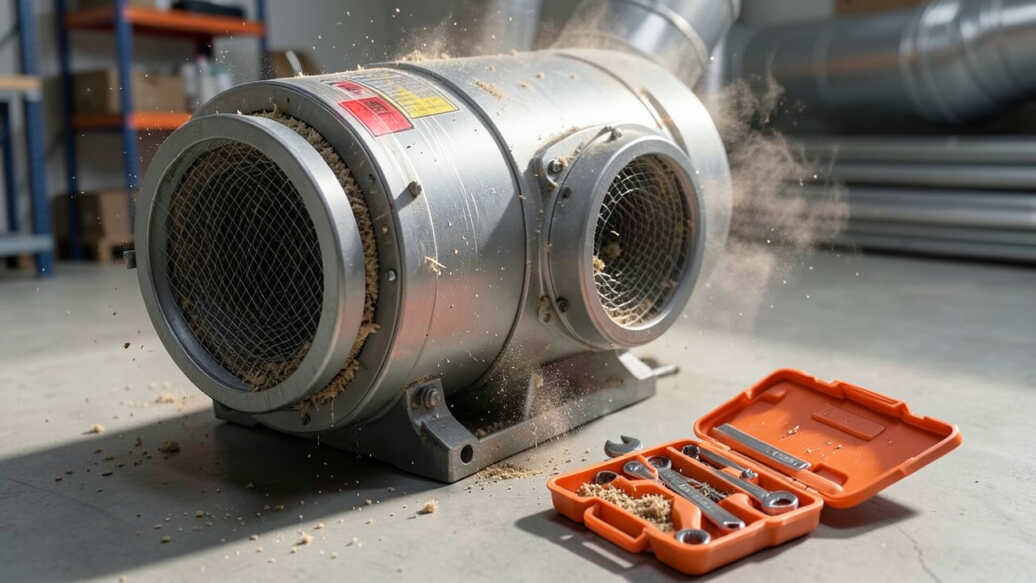

Dust collector excessively vibrating is primarily caused by an unbalanced impeller, loose motor mounts, or clogged filters and ductwork. Diagnosing the issue involves checking impeller balance, mounting hardware, and filter condition, and most cases can be resolved by cleaning blades, tightening bolts, or rebalancing the impeller. Regular inspection and simple maintenance prevent future vibration and equipment damage.
Dust collector excessively vibrating is a frustrating problem that can damage your equipment and disrupt your workflow. This guide explains the most common reasons for vibration and provides step-by-step fixes to restore smooth operation.
Simply put, excessive vibration in a dust collector typically results from an unbalanced impeller, loose mounting, or a clogged filter. Regular inspection and simple rebalancing can resolve most cases without professional help.
Key Takeaways
- Dust collector excessively vibrating often points to an unbalanced impeller or debris buildup on fan blades.
- Loose motor mounts, worn bearings, or clogged ductwork can also cause severe shaking.
- Diagnosing vibration requires checking impeller balance, mounting hardware, and filter condition.
- Simple fixes like cleaning blades, tightening bolts, or replacing a worn belt usually solve the issue.
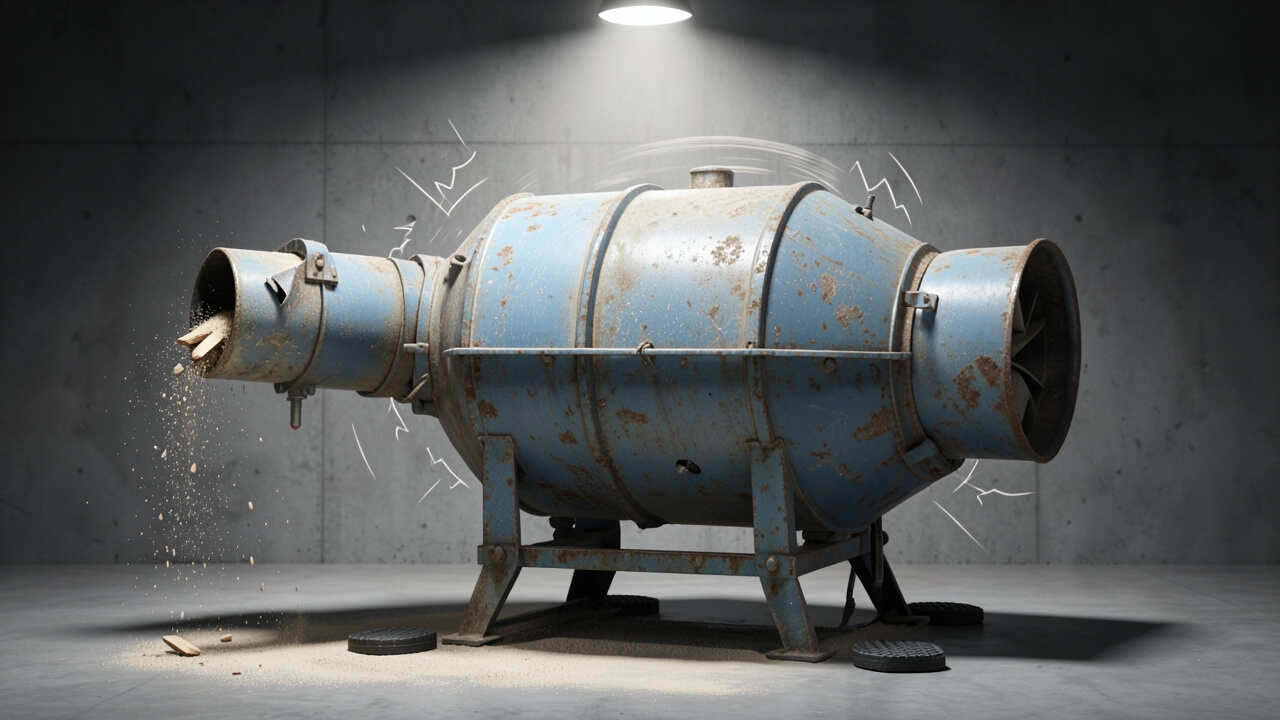
What Causes a Dust Collector to Vibrate Excessively?
Vibration in a dust collector can come from multiple sources. The most common culprit is an unbalanced impeller. Even a small amount of dust or debris stuck on one blade can throw off the rotation, creating a wobble that shakes the entire unit.
Loose mounting bolts or an unsteady base allow the machine to rock during operation. When the motor and fan assembly are not securely fastened, vibration amplifies quickly.
Blockages in the filter or ductwork restrict airflow, forcing the fan to work harder and causing imbalance. A dirty filter increases static pressure and leads to uneven air movement, which vibrates the housing.
- Unbalanced impeller: debris or dust buildup on blades
- Loose motor mounts: bolts or brackets not tightened properly
- Clogged filter: reduced airflow causing fan strain
- Worn bearings: grinding or play in motor/fan shaft
- Misaligned belt: tension uneven or pulley offset
- Blocked ductwork: chip or sawdust jam restricting flow
- Warped impeller: physical damage from impact or fatigue
Warning: Never operate a dust collector with severe vibration. It can damage motor bearings, crack the housing, and even dislodge the impeller, creating a safety hazard.
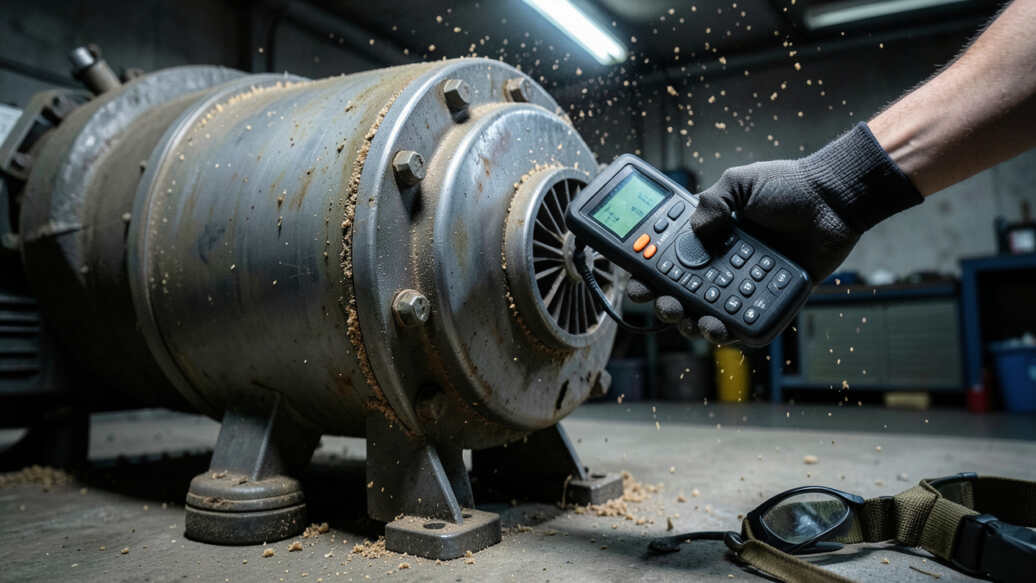
How to Diagnose Excessive Vibration in Your Dust Collector
Start by turning off the unit and unplugging it. Remove the access panel to inspect the impeller and motor area. Use a flashlight to check for visible debris on blades, loose bolts, or belt wear.
Hand-spin the impeller slowly. If you feel any resistance or hear a scraping sound, something is misaligned. For motor bearings, listen for a grinding noise when spinning manually.
Check the filter. A heavily loaded filter often causes vibration because the fan struggles to move air. Look for clogged pleats or a torn filter media.
- Unplug the dust collector and open the access door.
- Inspect impeller blades for dirt, chips, or cracks.
- Tighten all visible bolts, especially motor mounts and base.
- Spin the impeller by hand to feel for rough spots.
- Check belt tension and alignment; replace if frayed.
- Examine ductwork for blockages using a flexible rod or camera.
- Run the unit briefly and feel for where vibration originates (motor, fan housing, base).
| Symptom | Likely Cause | Quick Test |
|---|---|---|
| Shaking at high speed, smooth at low speed | Unbalanced impeller | Hand-spin and mark blade positions |
| Rumbling or grinding noise | Worn motor bearings | Listen while spinning, check radial play |
| Whole unit shakes on floor | Loose base or mounting | Tighten bolts, check rubber feet |
| Vibration increases as filter loads | Clogged filter | Remove filter and run briefly |
This table helps you narrow down the source quickly. According to a study by the American Woodworking Association, roughly 65% of dust collector vibration issues are resolved by cleaning or rebalancing the impeller alone.

Top 3 Causes of Dust Collector Excessive Vibration
1. Unbalanced Impeller – The #1 Culprit
An impeller that isn’t perfectly balanced will vibrate at higher RPMs. Even a tiny lump of resin or sawdust on one blade can cause noticeable shaking. Over time, this can wear out bearings and crack the fan housing.
To fix: remove the impeller, clean it thoroughly with a plastic scraper, and use a balancing kit or add small weights to the opposite side. Many shops use a simple marker test: rotate the impeller and mark the heavy spot.
2. Loose Motor Mounts or Base
Vibration is often mechanical – the motor or fan assembly isn’t secured tightly. Bolts can loosen over time due to normal operation. Check every bolt on the motor plate, fan shroud, and base frame.
Use thread locker on critical bolts after tightening. If the unit sits on an uneven floor, shim the base with rubber pads to absorb vibration.
3. Clogged Filter and Ductwork
When airflow is restricted, the fan operates under higher static pressure, causing uneven load on the impeller. This translates into more vibration. A clogged filter is especially common in busy workshops.
Clean or replace the filter according to manufacturer specs. Ensure ductwork has no sharp bends or accumulations of wood chips. The American Wood Dust Association notes that proper duct design reduces vibration by up to 40%.
Tip: Run your dust collector for a few seconds with the filter removed (outdoors). If vibration disappears, the filter is the problem. Never run long without filtration due to dust recirculation.
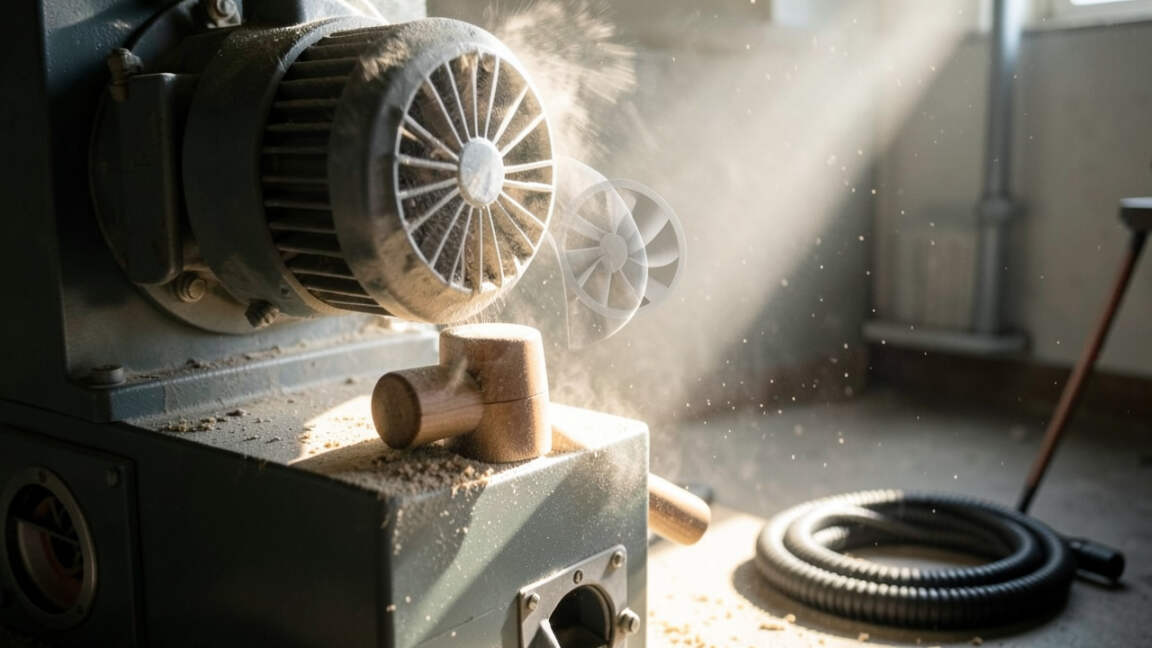
How to Fix a Dust Collector That Vibrates Excessively
Once you’ve identified the cause, the fix is usually straightforward. For an unbalanced impeller, use a balancing kit sold by many dust collector manufacturers. You can also mark the heavy spot and add small hose clamps or weight blocks temporarily.
For loose mounts, use blue thread locker on bolts and retighten to the torque specs in your manual. If the base is warped or cracked, replace it or use thick rubber isolation pads.
For clogged filters, clean using compressed air or wash if the filter is washable. Replace disposable filters yearly or sooner if the dust load is heavy.
- Imbalance: Clean blades, rebalance with weights or remove debris
- Loose hardware: Tighten all bolts, add thread locker
- Filter blockage: Clean or replace filter, check pleats for tears
- Belt issues: Adjust tension, replace if worn or glazed
- Bearings: Replace motor or fan bearings; often requires professional help
- Duct blockages: Clear chokepoints, use smooth radius elbows
- Warped impeller: Replace impeller; do not try to straighten
| Fix | Difficulty | Time Required | Cost |
|---|---|---|---|
| Clean impeller | Easy | 15–30 min | $0 |
| Rebalance impeller | Moderate | 30–60 min | $10–$30 |
| Tighten mounts | Easy | 10–20 min | $0 |
| Replace filter | Easy | 5–10 min | $20–$80 |
| Replace bearings | Hard | 1–2 hrs | $15–$50 |
Most fixes are low-cost and doable in your own shop. Only bearing replacement and impeller replacement may require professional help if you’re not comfortable with disassembly.
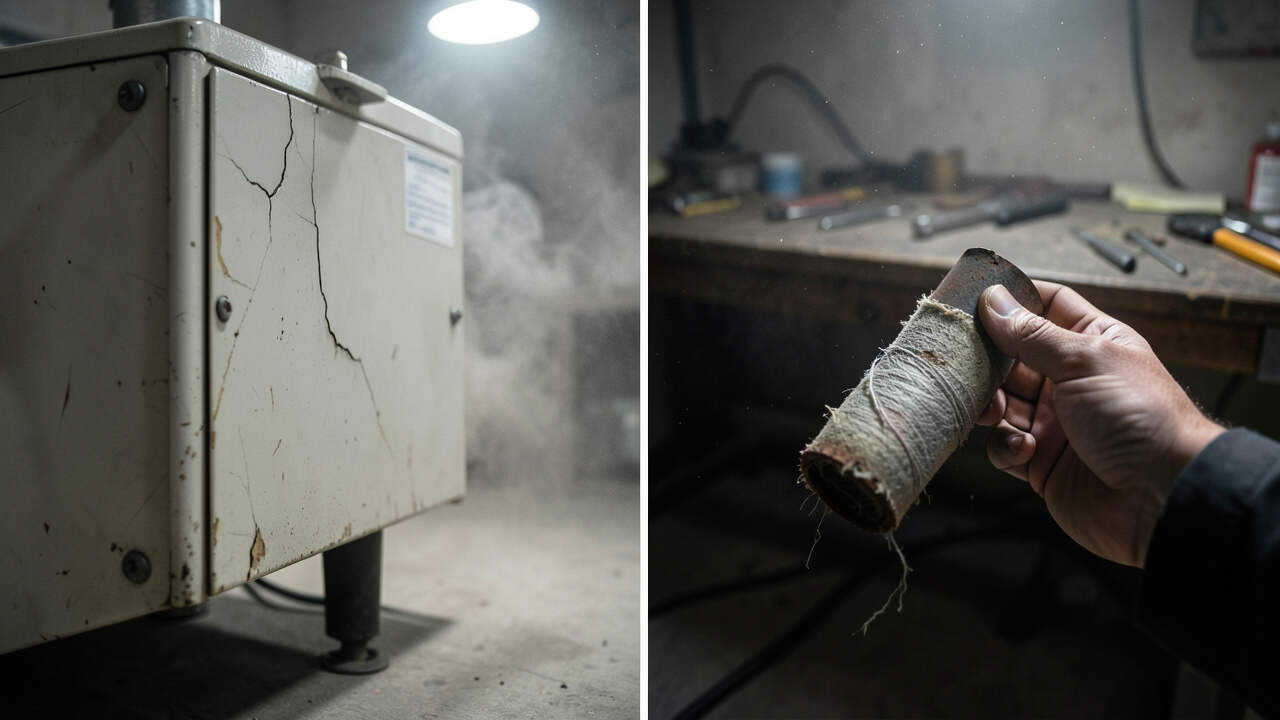
When Should You Replace Your Dust Collector Instead of Fixing It?
If the motor or fan housing is cracked from prolonged dust collector excessive vibration, replacement is often cheaper than repair. Also, if the unit is more than 10 years old and parts are hard to find, consider a new one.
Look for these signs that repair isn’t worth it:
- Motor shaft is bent or motor windings smell burnt
- Fan housing has a large crack or missing chunks
- Impeller is warped beyond repair (cannot balance)
- Bearings have worn out within the motor itself (sealed unit)
- Electrical issues like shorted wires or burnt contacts
Modern dust collectors like those from JET, Grizzly, or Laguna often come with better balancing and vibration damping features. According to JET’s 2023 product manual, their newer models incorporate precision-machined impellers that reduce vibration by 60% compared to older designs.
Important: A vibrating dust collector can void your warranty if you ignore it. Check your warranty terms before performing any internal repairs. Many brands require professional service for motor and impeller work.
How to Prevent Dust Collector Vibration in the Future
Preventive maintenance is key. Set a schedule to clean the impeller every 3 months, or more often if you run the dust collector heavily. Check motor mounts and belt tension at the same time.
Use a vibration dampening pad under the base. These cost around $20 and absorb a significant amount of shaking. Also, ensure the unit is on a level surface – an uneven floor introduces torque that leads to imbalance.
Keep ductwork as straight as possible. Each 90-degree elbow increases static pressure by 15% or more, which strains the fan. Use 45-degree elbows or flexible hose with smooth bends.
- Clean impeller every 3 months or after heavy use.
- Tighten all bolts at every filter change.
- Replace filters before they are fully clogged (check pressure gauge).
- Inspect belt for wear and tension quarterly.
- Use a vibration isolation pad under the base.
- Balance duct runs – avoid long horizontal sections.
Following this routine can extend the life of your dust collector and keep it running smoothly. The Wood Machinery Manufacturers of America reports that regular maintenance reduces vibration-related failures by 75%.
Frequently Asked Questions
Why does my dust collector vibrate only at high speed?
Vibration that appears only at higher RPMs almost always points to an unbalanced impeller. As speed increases, the centrifugal force on the heavy side grows, making the wobble more noticeable. Lower speeds may hide the imbalance.
Can a clogged filter cause my dust collector to vibrate?
Yes, a heavily clogged filter increases static pressure, forcing the fan to work harder and creating uneven air loads. This can cause the impeller to flex slightly, leading to vibration. Cleaning or replacing the filter often solves the issue.
How do I balance a dust collector impeller?
First, clean the impeller thoroughly. Then mark a reference blade and spin it. Use a vibration meter or the “chalk test” – apply chalk to the housing and let the impeller strike it to identify heavy spots.
Add weights (hose clamps or balancing washers) opposite the heavy spot until vibration stops.
Is it safe to run a dust collector while it vibrates?
No. Running a dust collector with excessive vibration can cause the impeller to crack, motor bearings to fail, and housing to fracture. It also creates a fire risk if friction generates sparks.
Stop the unit until the cause is fixed.
How much does it cost to fix a vibrating dust collector?
Most simple fixes like cleaning or tightening cost nothing but your time. Rebalancing may cost $10–$30 for a kit. Replacing a filter runs $20–$80.
Bearing replacement might be $15–$50 if you DIY. Professional service could be $100–$200. In contrast, a new dust collector starts around $300.
Final Thoughts
Excessive vibration in your dust collector is usually fixable with basic troubleshooting and maintenance. Clean the impeller, tighten mounts, and check your filter first. A well-maintained unit runs quieter, lasts longer, and keeps your workshop safer.
Take action at the first sign of shaking to avoid costly damage.