
Humidity reading issues stem from six primary causes: temperature fluctuations, improper sensor placement, insufficient airflow, calibration neglect, material interactions, and device age or quality. Understanding these factors allows users to diagnose inaccurate hygrometer readings and take corrective actions such as repositioning the sensor, calibrating regularly, or upgrading older equipment. Recognizing that temperature changes directly affect relative humidity measurements helps explain why readings may shift unexpectedly in different environments.
Sometimes, getting a true humidity reading can be a bit tricky. You might wonder why your hygrometer is showing strange numbers. Don’t worry, understanding the 6 Causes of Humidity Reading Issues is easier than it sounds!
We’ll walk through it step-by-step to make things clear. Let’s find out what might be messing with your readings.
Key Takeaways
- You will learn about common reasons why humidity meters might not give accurate results.
- We will explore how temperature affects humidity readings and what to do about it.
- Discover how the placement of your humidity sensor can change the numbers you see.
- Understand the impact of air movement and ventilation on humidity measurements.
- Learn how to properly calibrate and care for your humidity-reading device.
- We will cover how different types of materials can influence moisture readings.
Why Humidity Readings Can Seem Off
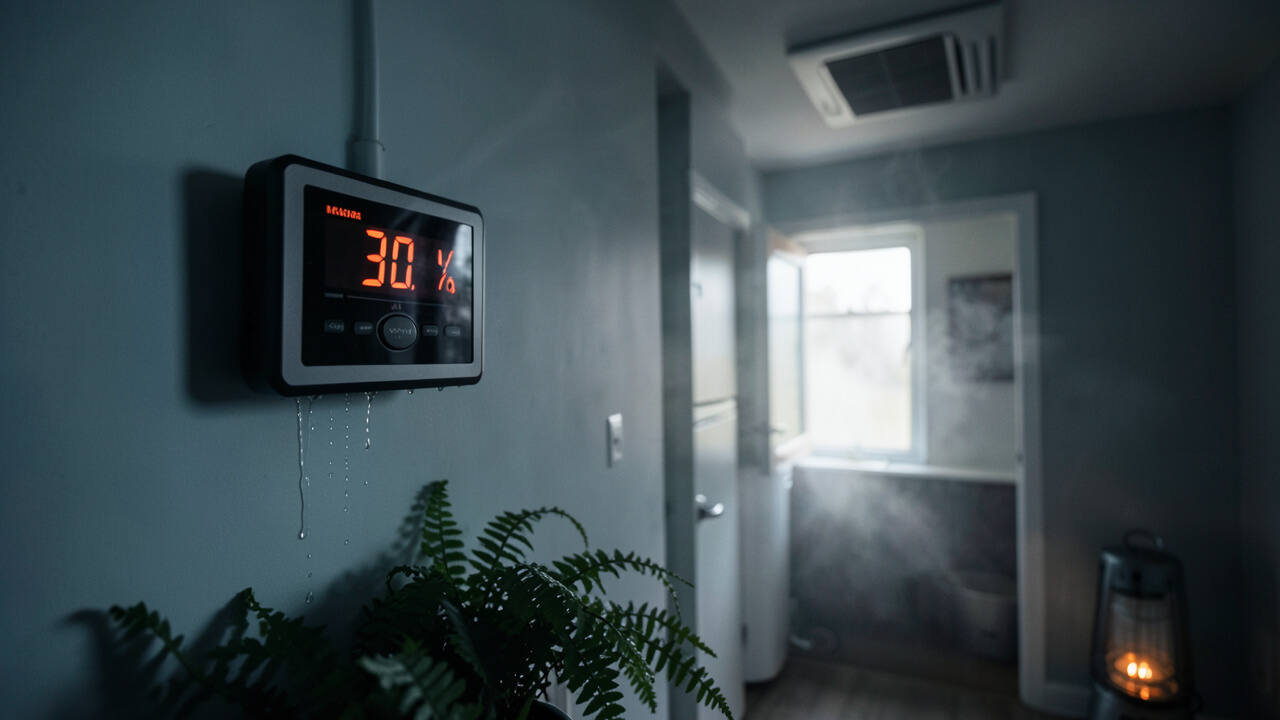
It’s common for beginners to get confused by their humidity readings. They expect a simple number, but sometimes the device shows something unexpected. This can happen for many reasons, and most are quite simple to fix.
Check for simple explanations first, like sudden temperature changes or sensor placement, before assuming your device is faulty.
Let’s look at the main culprits.
The 6 Causes of Humidity Reading Issues
1. Temperature Fluctuations
Temperature plays a big role in how much moisture the air can hold. When the temperature changes, so can the relative humidity reading, even if the actual amount of water vapor in the air stays the same. Think of it like a sponge; a warmer sponge can hold more water than a cold one.
If your temperature sensor isn’t working right, or if the temperature is changing rapidly, your humidity reading will follow.
For example, if the air is getting colder, the relative humidity reading will go up. If the air is getting warmer, the relative humidity reading will go down. This is because relative humidity is a measure of how much moisture is in the air compared to the maximum it could hold at that specific temperature.
When the temperature drops, the air’s capacity to hold moisture decreases, making the existing moisture seem higher relative to its new capacity.
To get a stable reading, it’s best to have a consistent temperature. Avoid placing your hygrometer near heat sources like radiators, ovens, or direct sunlight. Also, keep it away from cold drafts from windows or air conditioners.
A stable environment helps your humidity sensor provide a more accurate picture.
2. Sensor Placement Matters
Where you put your humidity sensor is super important. If it’s in a spot that’s not representative of the whole room, you’ll get a skewed reading. For instance, placing it right next to a humidifier will show a much higher humidity level than a spot across the room.
Air doesn’t always spread out evenly. There can be pockets of higher or lower humidity. If your sensor is in a corner, behind furniture, or near a vent, it might be measuring air that’s different from the general room conditions.
This is one of the most frequent 6 Causes of Humidity Reading Issues.
Here are some tips for good sensor placement:
- Choose a spot in the center of the room, away from walls and corners.
- Keep it at eye level, where you would typically live or work.
- Avoid direct sunlight, which can heat up the sensor and affect readings.
- Don’t place it near windows, doors, or heating/cooling vents, as drafts can cause inaccurate measurements.
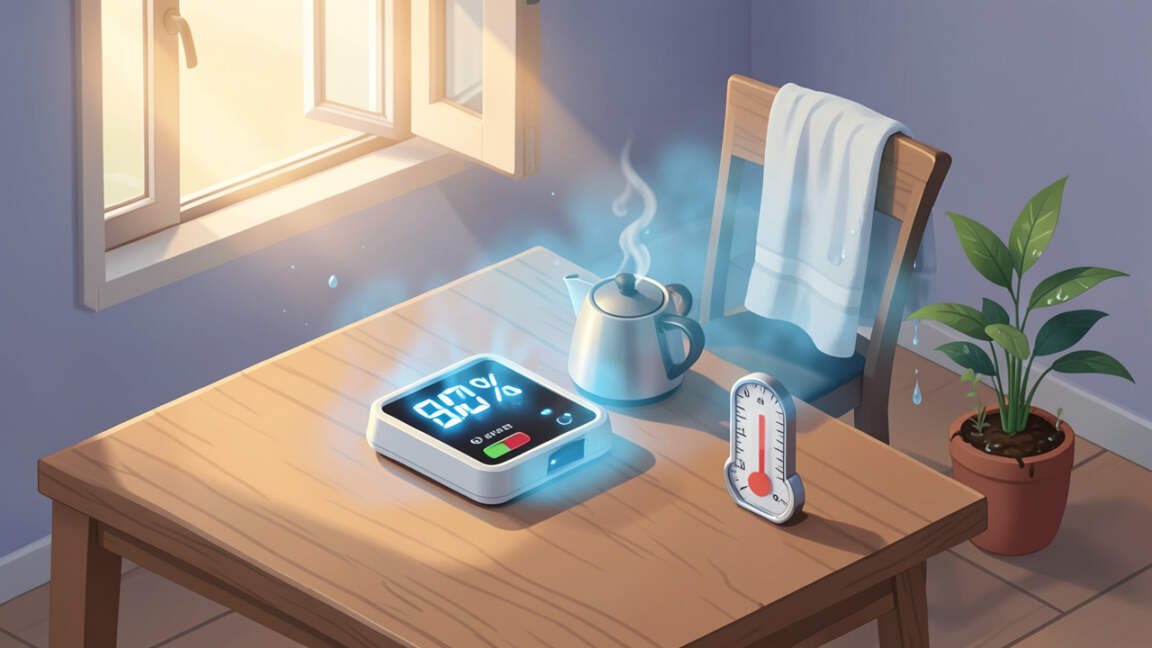
- Ensure it’s not too close to appliances that produce moisture or heat, like kettles or computers.
3. Airflow and Ventilation
Good airflow helps distribute moisture evenly throughout a space. If an area is stagnant or has poor ventilation, humidity can build up in certain spots. This can lead to inaccurate readings if your sensor is in one of these stagnant areas.
Sensor placement is critical: avoid direct sunlight, drafts, and proximity to heat sources to get accurate relative humidity readings.
When air doesn’t move much, moisture released from sources like breathing, cooking, or showering can linger. This makes the local humidity higher than in areas with better air circulation. On the other hand, strong, direct airflow from a fan or vent can sometimes dry out the air around the sensor, making it seem drier than the rest of the room.
To help ensure accurate readings related to airflow:
- Make sure the room has general ventilation. Open windows occasionally or use an exhaust fan if needed.
- Avoid placing the sensor directly in the path of strong fans or air vents.
- Allow some space around the sensor so air can reach it freely.
4. Calibration and Maintenance
Just like any tool, humidity sensors need to be checked and sometimes adjusted to be accurate. Over time, their accuracy can drift. This is a common reason for inconsistent readings and is a key part of the 6 Causes of Humidity Reading Issues.
Many digital hygrometers don’t need frequent calibration, but it’s still a good idea to check them now and then. You can often do this using a calibration kit or a salt test. A salt test involves placing the hygrometer in a sealed bag with a small amount of salt and water (enough to make a paste, not so much that it’s wet).
This mixture creates a consistent 75% relative humidity environment. If your hygrometer doesn’t read close to 75% after a few hours, it likely needs adjustment or replacement.
Regular cleaning also helps. Dust or debris can get on the sensor, affecting its performance. Gently wipe the sensor with a dry, soft cloth.
Never use water or cleaning solutions directly on the sensor, as this can damage it.
5. Material Interactions
The materials around your humidity sensor can sometimes influence the readings. Certain materials absorb or release moisture, creating microclimates that might not reflect the overall room humidity.
For example, placing a sensor too close to a damp wall, a plant, or certain types of fabrics can give you a reading that’s affected by that specific material’s moisture content. Wood, for instance, can absorb and release moisture, and if your sensor is placed directly on it, it might show a different reading than if it were in open air.
To avoid this:
- Ensure your sensor is in open air, not pressed against or covered by materials.
- Keep it away from plants, damp walls, or fabrics that might hold moisture.
- If you are measuring humidity in a specific enclosure (like a terrarium or a humidor), ensure the sensor is positioned to measure the general air within that enclosure, not directly touching the walls or contents.
6. Device Age and Quality
The age and quality of your hygrometer can also be a factor. Older devices, or very inexpensive ones, might not be as accurate or durable as newer, higher-quality models. The sensors can degrade over time, leading to less reliable readings.
Cheaper hygrometers might use less precise components. This means they might not be able to detect subtle changes in humidity, or their readings could be off by a larger margin. While you don’t always need the most expensive device, investing in a reputable brand can often save you from the frustration of inaccurate readings.
If you’ve tried other solutions and your readings still seem off, consider the age and quality of your device. Sometimes, a new, reliable hygrometer is the simplest fix for persistent issues among the 6 Causes of Humidity Reading Issues.
Frequently Asked Questions
Question: How often should I calibrate my hygrometer?
Answer: Most modern digital hygrometers do not require frequent calibration. However, it’s a good idea to check their accuracy every 6 to 12 months, especially if you suspect readings are off. You can use a salt test for this.
Question: Can a room’s humidity change drastically throughout the day?
Answer: Yes, room humidity can change significantly. Factors like opening doors and windows, using appliances that produce steam (like a shower or kettle), and changes in outdoor temperature can all cause humidity levels to fluctuate.
Question: Is it better to have a high or low humidity reading?
Answer: The ideal humidity level depends on what you are trying to achieve. For general comfort and health in a home, a relative humidity between 40% and 60% is often recommended. Too high can encourage mold, while too low can dry out skin and nasal passages.
Question: My hygrometer is new, but the reading seems wrong. What should I do?
Answer: Even new devices can sometimes have issues. Double-check the placement and ensure it’s not near a heat or moisture source. If the problem persists, the device might be faulty, and you may need to contact the manufacturer or return it.
Question: Does the type of hygrometer matter?
Answer: Yes, there are different types (digital, analog). Digital hygrometers are generally more accurate and easier to read than analog ones. Within digital types, capacitive sensors are often considered more stable than resistive sensors over time.
Wrap Up
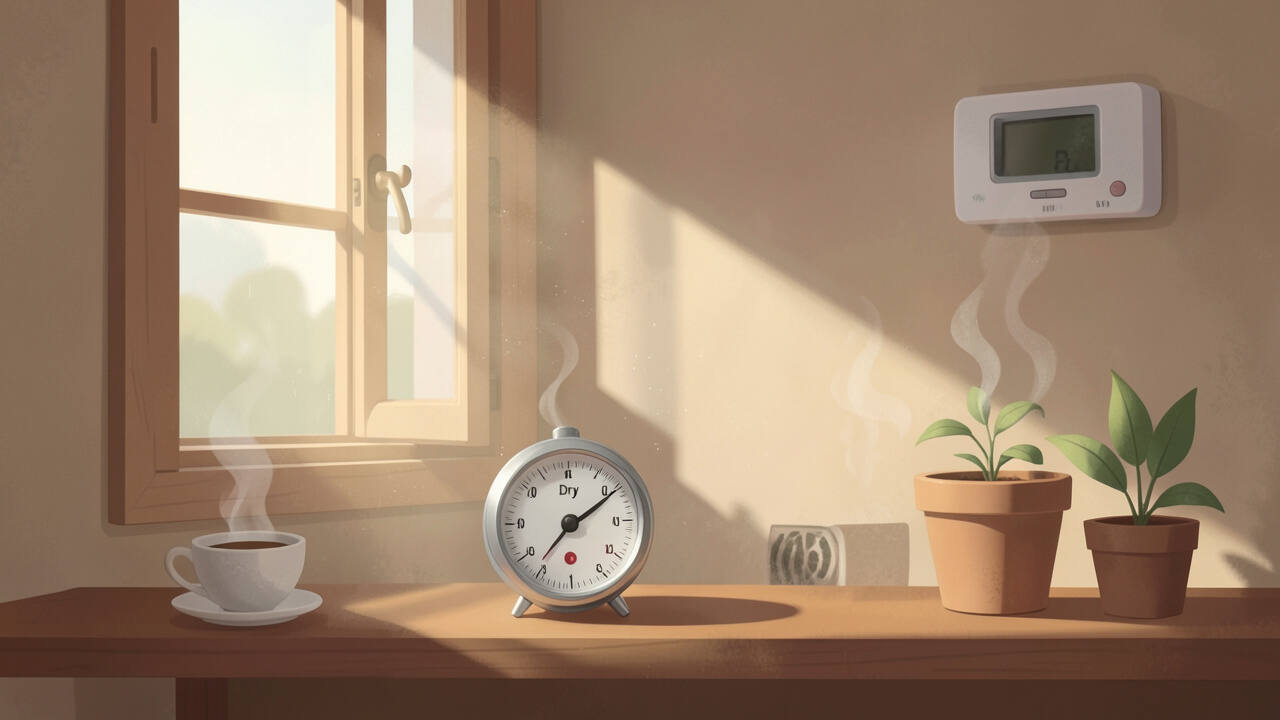
You’ve learned about the common reasons why your humidity readings might seem off. Temperature changes, where you place your sensor, and how the air moves all play a part. Don’t forget that how you care for your device, the materials around it, and its age can also affect the numbers.
The accuracy of your humidity readings depends not just on your sensor, but on how you maintain it and where it's placed over time.
Now you can check these things to get a more accurate idea of your home’s humidity!