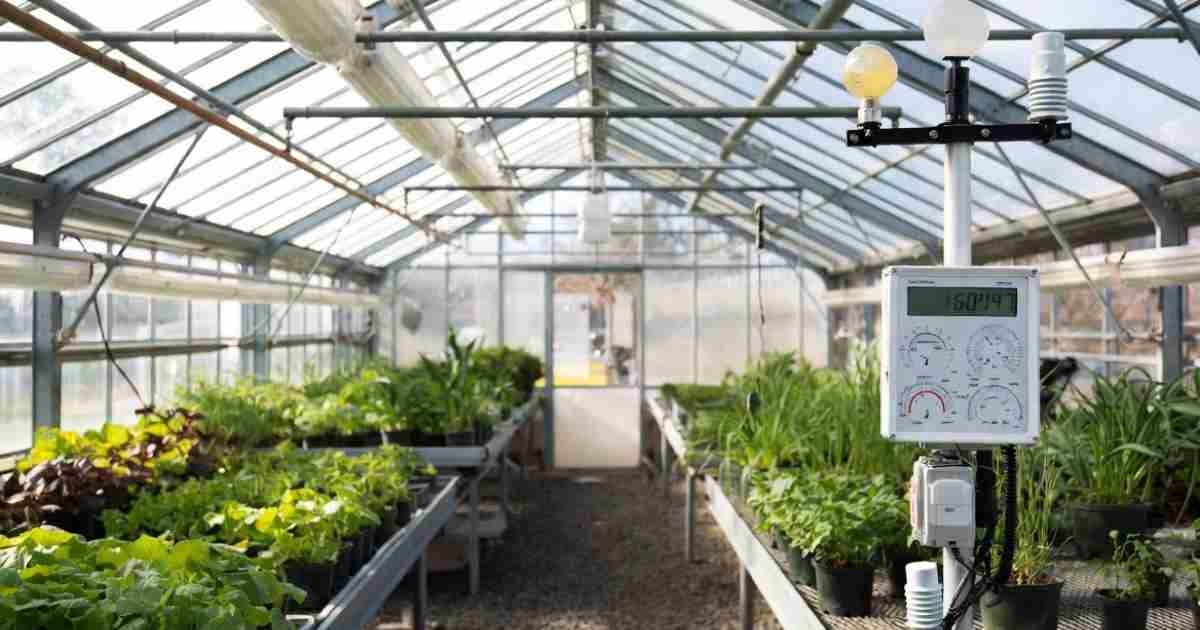

Weather stations give wrong data primarily due to placement errors, dirty sensors, and calibration drift, which affect temperature, rainfall, and wind readings. Direct sunlight on the sensor housing, obstructions blocking the anemometer, and accumulated grime on the rain gauge are common causes of inaccuracy. Understanding these factors allows users to correct setup and maintenance issues, ensuring their station outputs reliable data for personal or reference use.
Many people want to know why their weather station might not be giving the right numbers. It can feel confusing when the forecast doesn’t match what your station shows. Don’t worry, we’ll sort through the 10 Reasons Weather Stations Give Wrong Data in a way that’s easy to get.
We’ll look at the common issues and then give you simple steps to fix them. Get ready to understand your weather station better!
Key Takeaways
- Weather stations can give wrong readings due to simple setup errors.
- Environmental factors like sunlight, wind, and debris affect accuracy.
- Sensor issues, calibration problems, and battery life are common culprits.
- Software glitches and communication problems can also cause data errors.
- Proper maintenance and understanding your station’s limits are key to good data.
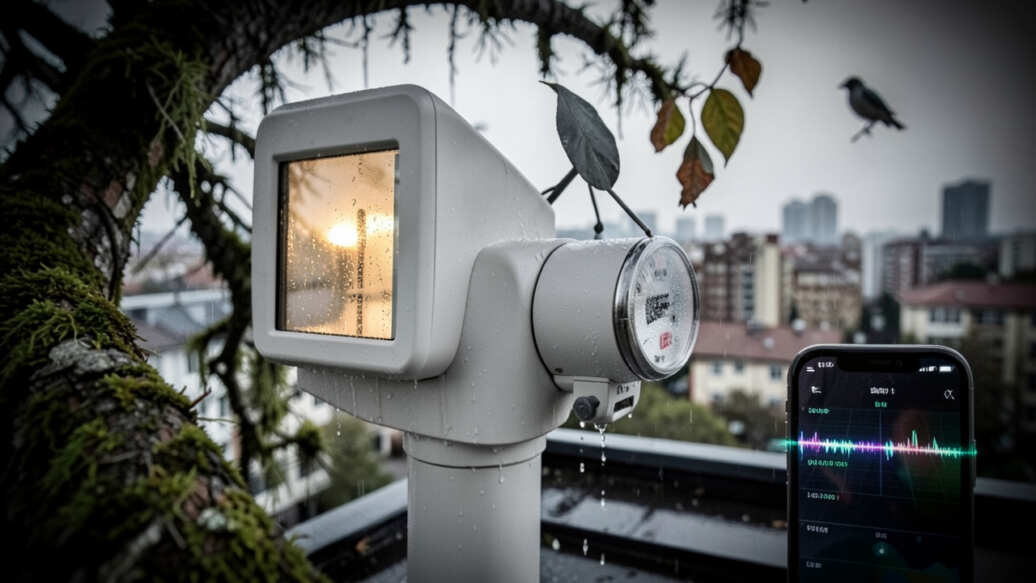
Why Your Weather Station Might Be Off
Weather stations are neat gadgets. They help us track rain, temperature, wind, and more right from our homes. But sometimes, the data they show just doesn’t seem right.
Before troubleshooting, confirm your station's placement follows manufacturer guidelines for optimal accuracy.
This can be frustrating, especially if you rely on that information for gardening, planning outdoor events, or just for fun. There are several reasons why a weather station might not be giving you accurate readings. Let’s explore the common ones so you can figure out what’s going on.
1. Placement Matters: The Wrong Spot
This is a big one, and often the easiest to fix. Where you put your weather station really matters. If it’s in direct, hot sun all day, the temperature readings will be higher than they should be.
If it’s too close to a building or a wall, wind readings might be weird. Too close to trees can block rain from reaching the gauge or affect wind speed. A good spot is open, away from heat sources, and clear of obstructions.
For accurate wind readings, place the anemometer in an open area where wind can flow freely.
Sunlight’s Effect on Temperature
A thermometer needs shade to read the true air temperature. If your station’s thermometer is in full sun, the sensor itself heats up. This heat gets added to the actual air temperature, making it seem warmer than it is.
Even a little bit of shade can make a huge difference.
Wind Blockers and Reflectors
Walls, fences, and even dense bushes can mess with wind speed and direction. They can create swirling air or block the wind altogether. For accurate wind readings, your anemometer needs to be in an open area where the wind can flow freely around it.
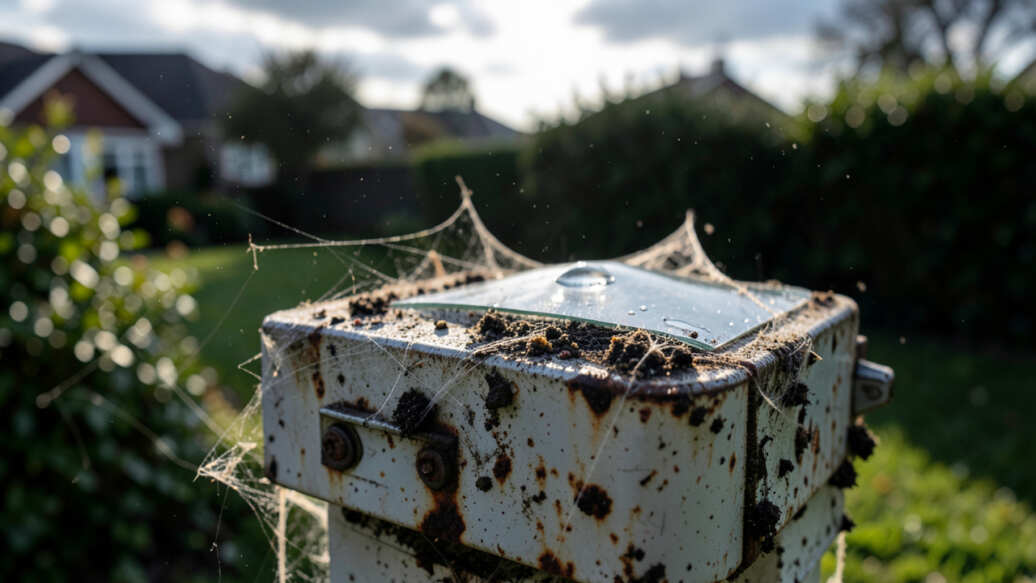
2. Dirty Sensors: Grime and Debris
Over time, sensors can get dirty. Dust, pollen, spiderwebs, or even bird droppings can cover them. A dirty rain gauge won’t catch all the rain.
A dirty temperature sensor might not get accurate airflow. A dirty wind sensor might spin slower. Cleaning your station regularly is key.
Even tiny debris like bug nests can prevent an anemometer from spinning, drastically reducing wind data accuracy.
Rain Gauge Obstructions
If leaves or debris get into your rain gauge, they can block the funnel. This means less rain gets measured. You should check and clear your rain gauge often, especially after windy or rainy days.
Anemometer and Wind Vane Issues
Small bits of dirt or bug nests can stop the cups of an anemometer from spinning freely. Similarly, a wind vane might get stuck if something is blocking its movement. A quick wipe-down can solve these problems.
3. Calibration Drift: Losing Accuracy
Like many measuring tools, weather station sensors can lose their accuracy over time. This is called calibration drift. They might need to be re-calibrated to ensure they are reading correctly.
If readings are consistently off and your station is several years old, consider checking the calibration.
Some stations are factory-calibrated, but this calibration can change with age and use.
When to Re-Calibrate
If you notice consistently odd readings, or if your station is several years old, it might be time to check its calibration. Some advanced stations allow for user calibration, while others might need professional servicing.
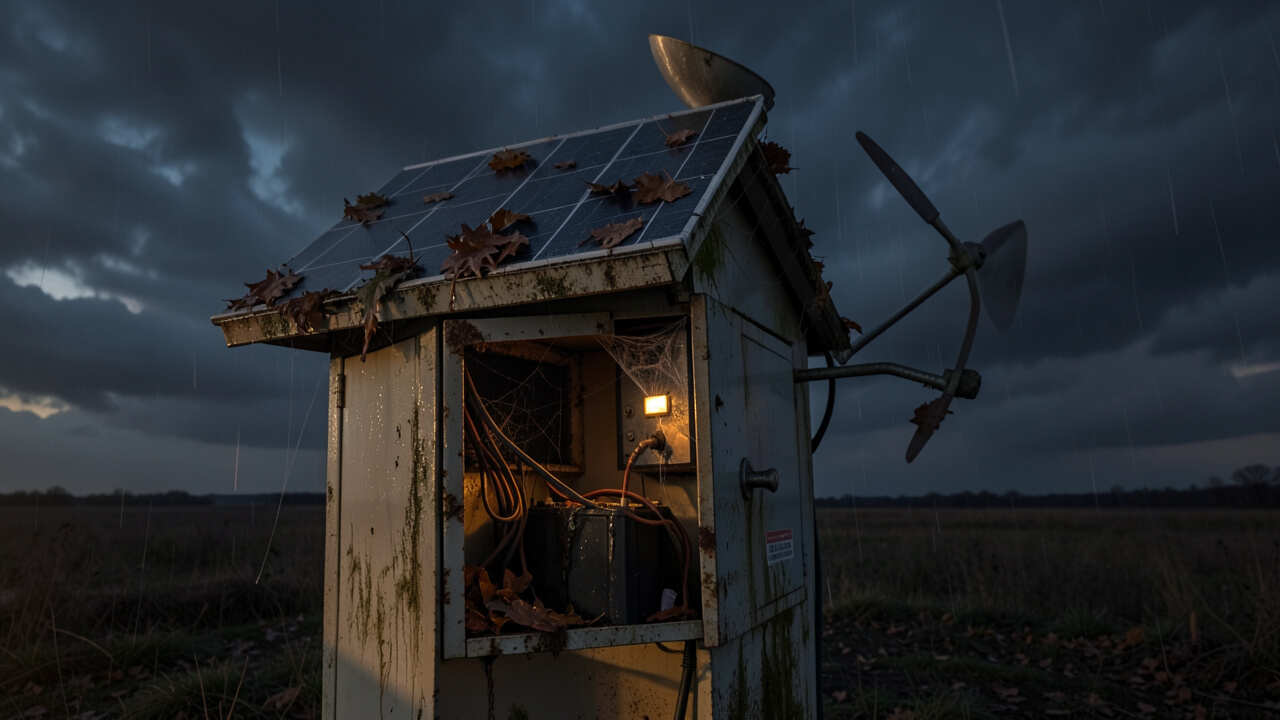
4. Battery Power Problems
Many weather stations, especially wireless ones, run on batteries. If the batteries are low or dead, the sensors might not transmit data, or they might send incomplete or incorrect information. This is a very common reason for sudden data loss or strange readings.
Low batteries are a common culprit for sudden data loss; replace them promptly to avoid incorrect readings.
Low Battery Warnings
Most modern weather stations have a low battery indicator. Pay attention to these warnings. Replacing batteries with fresh, good-quality ones can often fix data issues quickly.
5. Interference with Wireless Signals
If you have a wireless weather station, it sends data from the outdoor sensors to an indoor display or computer. Other electronic devices in your home can sometimes interfere with this wireless signal. This can cause data gaps or corrupted information.
Wireless interference from household electronics like microwaves and routers can corrupt weather sensor data; keep the receiver away from these devices.
Common Sources of Interference
Things like microwaves, cordless phones, or even Wi-Fi routers can sometimes cause problems. Try to keep the indoor receiver away from these devices if you suspect interference.
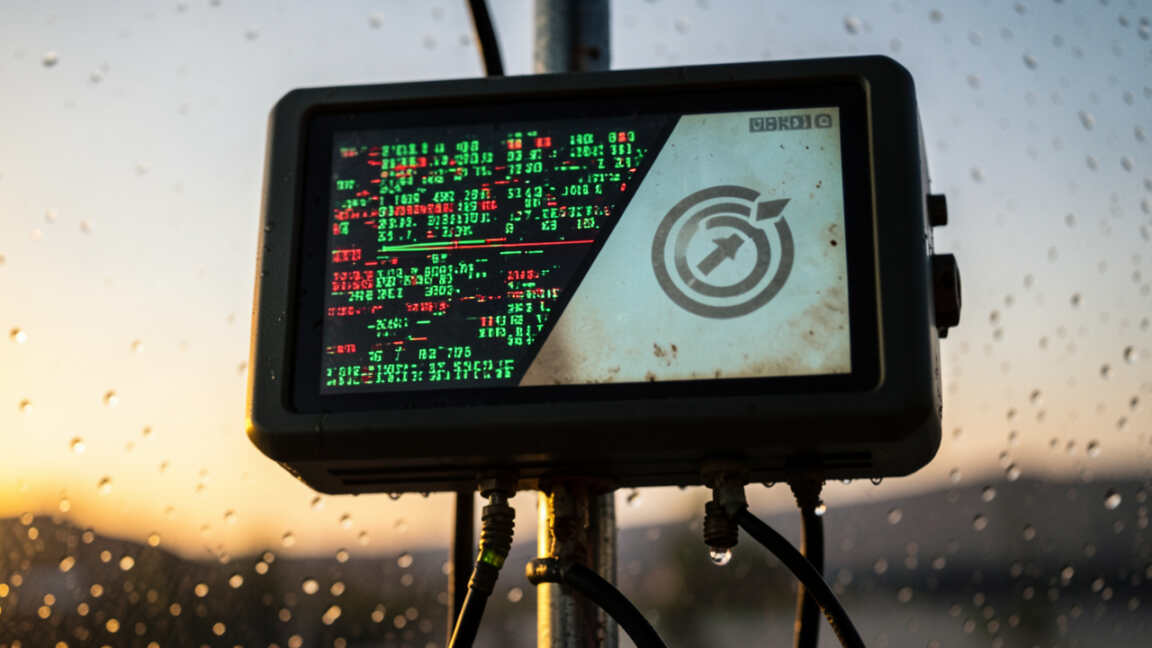
6. Software Glitches and Updates
Just like any electronic device, weather stations and their associated software can have glitches. Sometimes a simple restart of the system can fix temporary problems. Also, ensuring the software or firmware is up to date can resolve bugs that might affect data.
A simple restart of the system can clear minor software glitches that affect data accuracy.
Restarting Your System
Try unplugging the indoor display or console for a minute, then plugging it back in. This can often clear minor software hiccups. For connected stations, check for available software updates.
7. Extreme Weather Conditions
Even the best weather stations have their limits. Extremely high winds, heavy snow, or intense heat can sometimes affect their performance. Sensors might not be able to withstand the forces of nature, leading to temporary or permanent damage.
Choose a weather station rated for your local climate to ensure reliable performance in extreme conditions.
Protecting Your Station
While you can’t control the weather, you can choose a station that is built to withstand your local climate. For very harsh conditions, some users might need to temporarily bring sensitive parts indoors or provide extra protection.
8. Sensor Exposure to Direct Elements
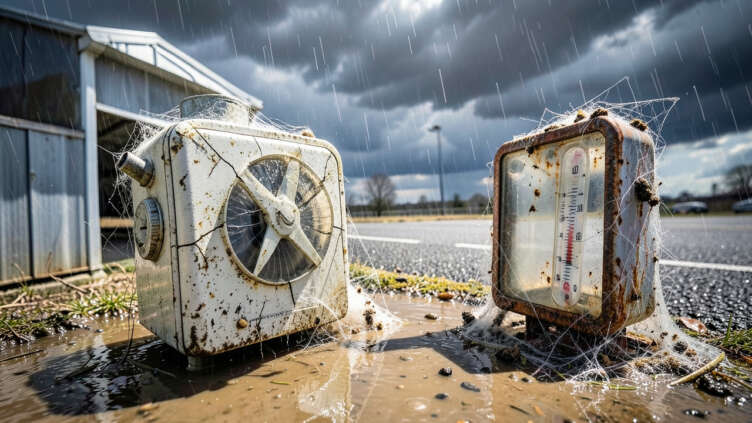
While placement is important, the direct exposure of sensors to rain, sun, and wind is also critical. For example, an anemometer needs unobstructed wind, but if it’s constantly getting soaked without drying properly, it could lead to issues. Similarly, temperature sensors need airflow but shouldn’t be directly bathed in rain constantly if they aren’t designed for it.
Moisture and Corrosio
Excessive moisture that doesn’t dry out can lead to corrosion over time, affecting the electrical components within the sensors. Proper design and placement help minimize this risk.
9. Incorrect Setup of Data Logging
If your weather station logs data, the way it’s set up can cause problems. For instance, if the logging interval is too long, you might miss short bursts of activity. If the storage is full, it might stop recording new data.
Understanding your station’s data logging features is important.
Understanding Logging Intervals
A logging interval of 5 minutes is good for general trends. If you need more detail, you might need to set it shorter. Check your manual to see how to adjust this and how much data your station can store.
10. Manufacturing Defects
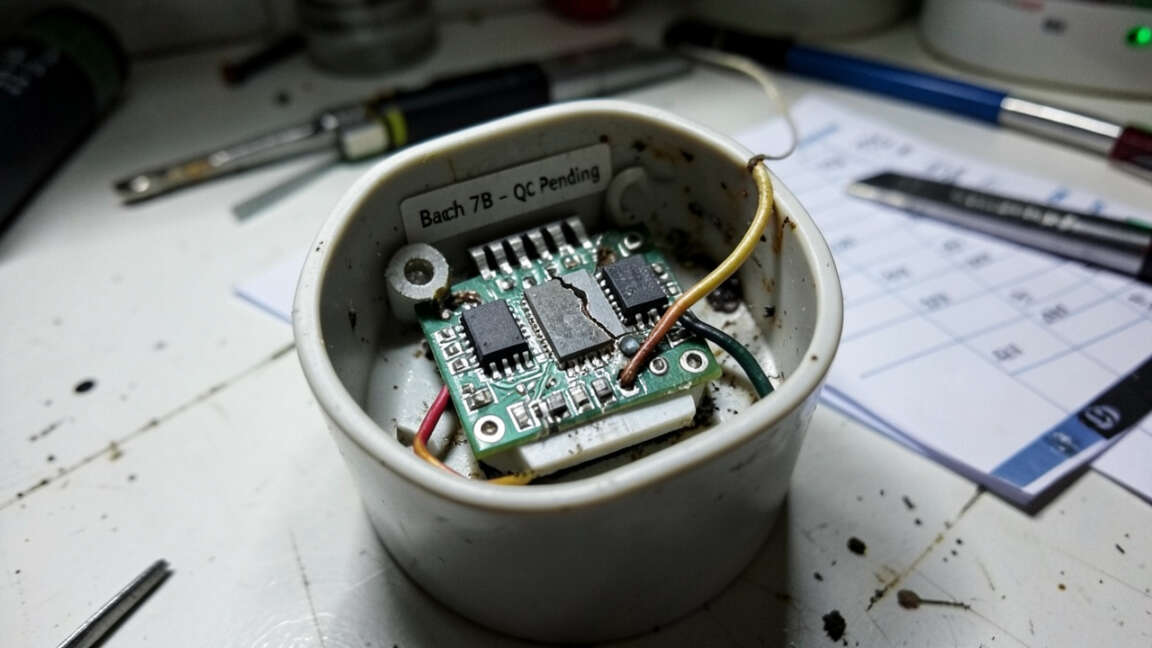
While less common, sometimes a weather station might have a defect right from the factory. This could be a faulty sensor, a problem with the internal electronics, or a loose connection. If you’ve tried everything else and your station still acts up, a defect might be the cause.
Warranty and Support
If you suspect a manufacturing defect, especially if your station is new, contact the manufacturer or the place you bought it from. They can often help with troubleshooting, repairs, or replacements under warranty.
Frequently Asked Questions
Question: How often should I clean my weather station?
Answer: It’s a good idea to clean your weather station at least once a month, and more often if you live in a dusty or pollen-heavy area, or after severe weather events.
Question: Can I trust weather station data from my neighbor’s house?
Answer: Neighboring stations can give you a general idea, but their data might differ due to variations in placement, equipment, and maintenance. For your own accurate readings, a personal station is best.
Question: My temperature reading seems too high. What should I do?
Answer: First, check the placement. Ensure the sensor is in shade and has good airflow. If it’s still too high, the sensor might need recalibration or could be faulty.
Question: How do I know if my wireless signal is being interfered with?
Answer: If your data readings are sporadic, you see frequent connection drops, or the indoor console shows “no signal” for no apparent reason, interference might be the cause. Try moving the console or sensors further apart or away from electronics.
Question: What is the best way to protect my weather station from extreme weather?
Answer: While many are built to be durable, for extreme conditions like very high winds or heavy hail, consider mounting your station on a sturdy, tall pole away from falling objects. Some users may opt to bring sensitive sensors indoors during severe storms if possible and safe.
Final Thoughts
When your weather station shows odd numbers, it’s usually because of simple issues. Things like where you put it, if it’s clean, or battery power are often the culprits. By checking these common problems, you can get your station back to giving you good information.
Keep it clean, check its spot, and make sure it has fresh batteries. You’ll be on your way to more reliable weather data.