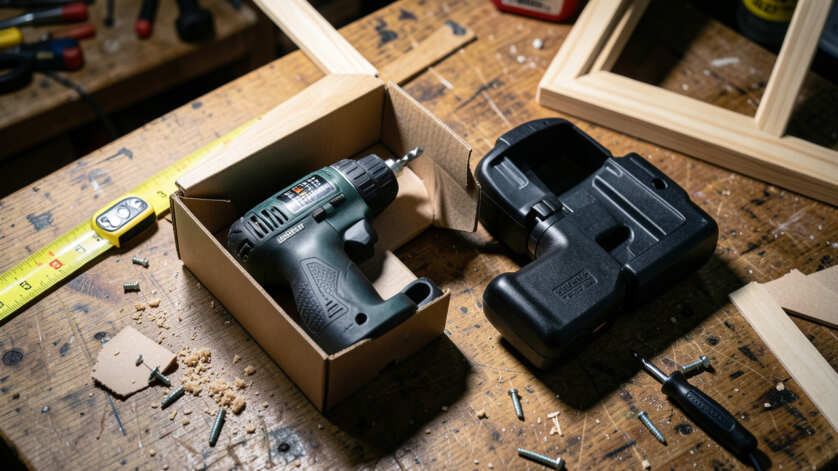

Yes, you can use a drill-driver combo kit on a job site without damaging it by following proper care and usage guidelines. Selecting sharp, job-specific bits, avoiding motor overload, protecting the tool from dust and moisture, and storing it in a dry padded case are essential precautions. With consistent maintenance, even a consumer-grade drill-driver combo kit can perform reliably on demanding job sites for years.
Using a drill-driver combo kit in a job site is perfectly possible, but only if you follow proper care and usage guidelines. This post explains exactly how to protect your tool from common hazards like dust, moisture, and overload so it lasts for years.
Simply put, yes—you can use a drill-driver combo kit on a job site without damaging it, as long as you select the right bits, avoid overloading the motor, protect the tool from debris and water, and perform regular maintenance. With these precautions, even a consumer-grade kit can survive demanding work.
Key Takeaways
- Using a drill-driver combo kit on a job site is safe if you keep it clean and avoid exceeding its rated capacity.
- Always use sharp, job-specific bits and accessories to reduce strain on the motor.
- Store your kit in a dry, padded case when not in use to prevent impact and dust damage.
- Regularly check and tighten chuck jaws and brushes to maintain performance.
What Makes a Drill-Driver Combo Kit Suitable for Job Sites?
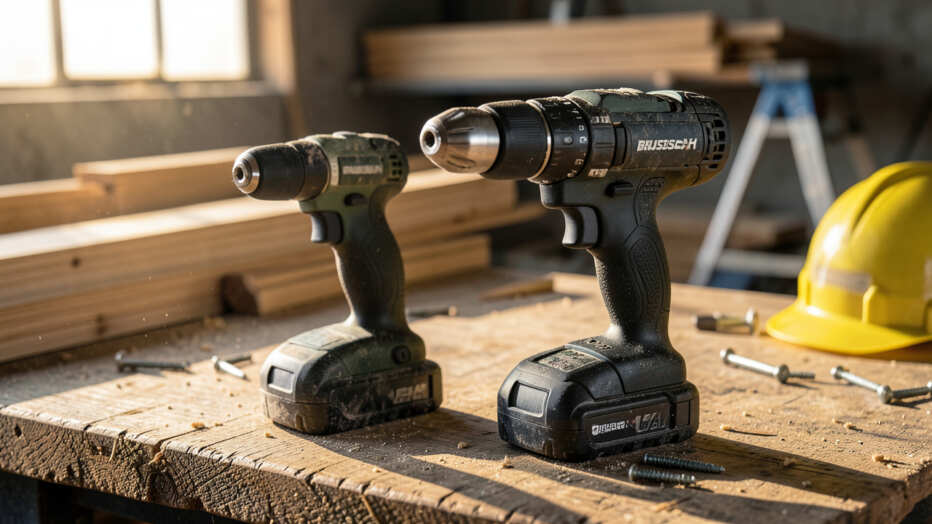
Not all drill-driver combo kits are built the same. Job site conditions involve dust, temperature swings, and constant handling. To avoid damage, you need a kit that’s designed for such environments or at least has protections like a sealed housing and metal chuck.
Key factors that determine job site readiness include the tool’s IP rating (ingress protection), amp-hour rating of the battery, and the quality of the gearbox. Consumer kits may work for light framing or cabinetry, but heavy-duty construction demands a brushless motor and a robust clutch system.
Here are the most important features to look for:
- Brushless motor – less heat, longer runtime, and no brushes to wear out
- Metal chuck – durable against drops and repeated bit changes
- IP54 or higher rating – protected against dust splashes
- High torque output (at least 500 in-lbs for drilling into wood or metal)
- Variable speed trigger – allows precise control to prevent stripping
- Impact-ready battery – withstands vibrations without losing connection
| Feature | Consumer Grade | Job Site Grade |
|---|---|---|
| Motor type | Brushed | Brushless |
| Chuck material | Plastic | Metal |
| IP rating | None | IP54 or higher |
| Battery capacity | 1.5–2.0 Ah | 2.5–5.0 Ah |
If your kit has these job-site-grade features, you can use it on most construction sites with minimal risk of damage.

Step 1: Choose the Right Bits and Accessories
One of the fastest ways to damage a drill-driver combo kit is by using the wrong bit for the material or task. A dull wood bit trying to bore through concrete forces the motor to labor, overheating the windings. Always match your bit to the job.
Follow this simple guide when selecting bits:
- Use high-speed steel (HSS) bits for metal and soft wood.
- Use masonry bits (carbide-tipped) for brick, stone, or concrete.
- Use paddle bits or hole saws for large-diameter holes in wood.
- Use impact-rated driver bits for driving screws with the impact function.
- Keep bits sharp — replace or sharpen them as soon as they feel dull.
Tip: Always lubricate bits when drilling metal with a drop of cutting oil. This reduces friction and prevents overheating of both the bit and the tool’s motor.
Also consider using a depth stop accessory. It prevents you from driving screws too deep into material, which can cause the chuck to jam or the clutch to slip repeatedly. Proper accessories reduce stress on the tool.
Step 2: Protect the Tool from Dust and Debris
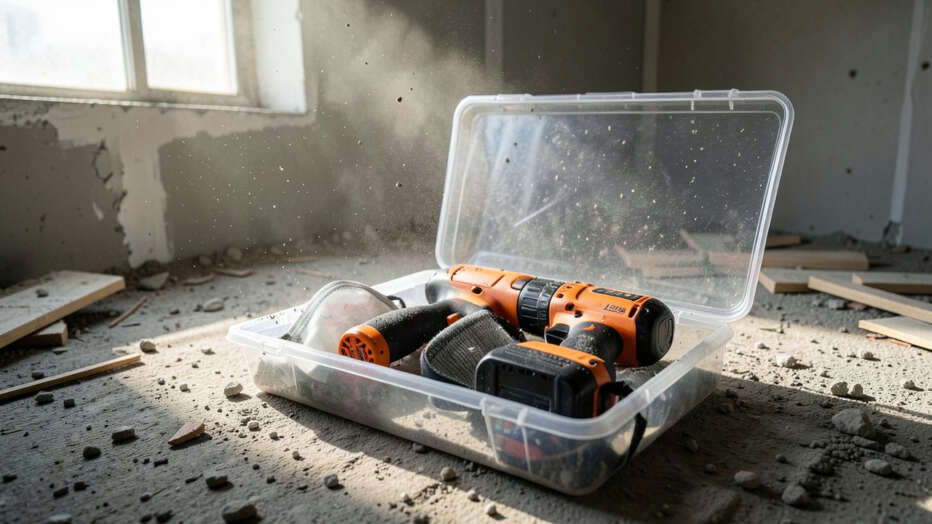
Job sites generate a lot of fine dust—drywall, concrete, wood—all of which can enter your tool through vent slots and around the chuck. Dust inside a motor can cause brushes to spark, bearings to wear, and the switch to fail.
To protect your drill-driver combo kit:
- Store the tool in a hard plastic case with a gasket seal when not in use.
- Use a vacuum attachment on the tool if available (many models accept a hose).
- Blow out dust from vents with compressed air after every job day.
- Cover the chuck with a rubber cap during transport or storage.
- Avoid leaving the tool on the ground where sawdust piles up.
Warning: Never use water or wet cloths to clean your drill-driver combo kit. Water can seep into the motor and battery terminals, causing short circuits and corrosion. Stick to dry compressed air and a soft brush.
According to the Power Tool Institute, over 40% of tool failures on job sites are due to dust ingress, not mechanical wear. So keeping your kit clean is one of the simplest ways to extend its life.
Step 3: Avoid Overloading and Overheating
Every drill-driver combo kit has a duty cycle. Pushing the tool too hard—for example, using it for mixing drywall compound or drilling repeatedly into hardwood without pauses—can overheat the motor. Heat degrades insulation and can melt plastic parts.
Signs your tool is overheating:
- Burning smell from the vent slots
- The housing feels too hot to hold comfortably
- The tool slows down or stops under load
- Excessive brush sparking through the vents
To prevent overload:
- Take a 5-minute break after every 15 minutes of continuous drilling.
- Use the correct speed setting: low speed for high-torque drilling, high speed for light material.
- Apply steady, moderate pressure—do not lean on the tool.
- Use the clutch to avoid torque spikes that can damage the gears.
- Do not use a drill-driver as a mixer unless it’s specifically rated for mixing.
Remember that battery-powered kits are more prone to heat buildup because the battery itself generates heat during discharge. If your battery feels hot after a session, let it cool before recharging.
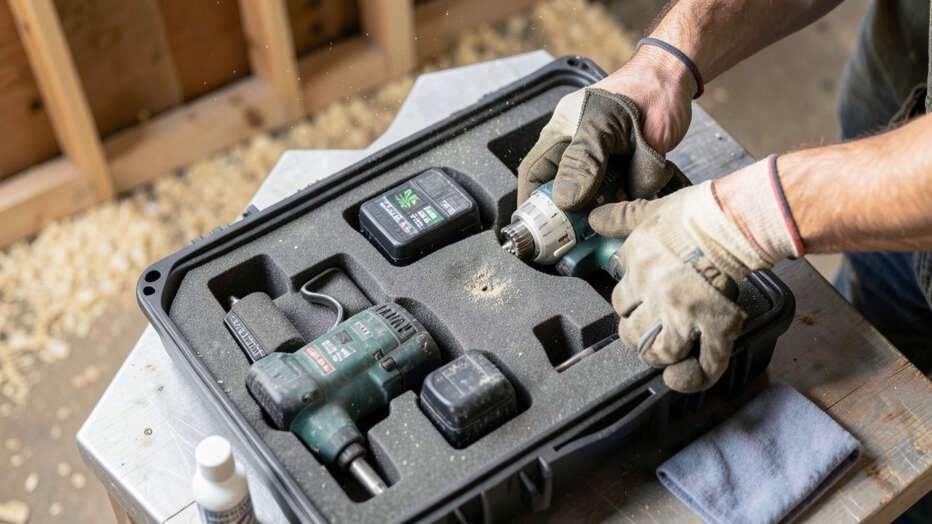
Step 4: Properly Store and Maintain the Kit
Storage conditions matter as much as usage. Leaving your drill-driver combo kit in a hot truck cab or damp basement weakens the battery and corrodes metal parts. Ideally, store the kit in a temperature-controlled area between 50°F and 80°F.
Weekly maintenance checklist:
- Inspect the chuck for debris and clean it with a brush.
- Check all screws and bolts on the housing for tightness.
- Test the battery latch to ensure it clicks securely.
- Lubricate the chuck’s internal threads with a drop of light oil every month.
- Update the tool’s firmware if it has smart electronics (check manufacturer app).
Also, never store the tool with the battery attached for long periods. Battery self-discharge can cause cells to over-discharge, permanently reducing capacity. Store batteries at about 50% charge in a cool, dry place.
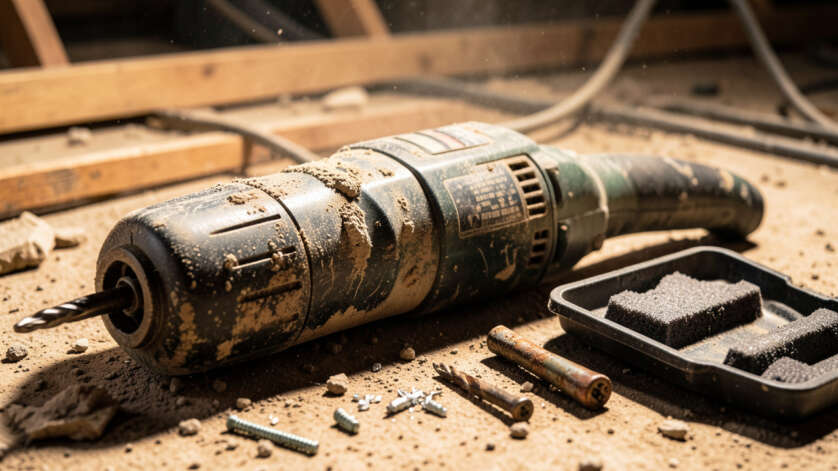
Common Mistakes That Damage Your Combo Kit
Even experienced tradespeople make errors that shorten the life of their drill-driver. Here are the most common, and why they matter:
| Mistake | Consequence | How to Avoid |
|---|---|---|
| Using the tool as a hammer | Damaged chuck and bearings | Use a dedicated hammer |
| Charging battery immediately after heavy use | Reduced battery lifespan | Let battery cool 30 min before charging |
| Ignoring clutch adjustment | Stripped gears or broken bits | Set clutch to correct torque |
| Using under-sized bits for large holes | Overheating motor | Pilot drill first, then larger bit |
Another frequent error is running the tool in reverse at high speed to extract a stuck bit. This can spin the chuck off or damage the locking mechanism. Instead, gently tap the side of the chuck with a wrench while turning by hand.
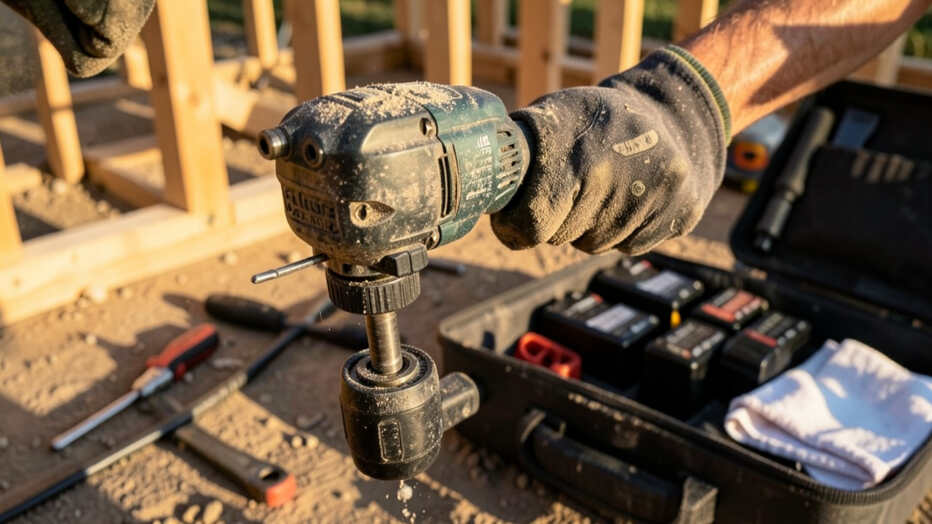
Pro Tips for Extending the Life of Your Drill-Driver Combo Kit
These advanced practices separate pros from beginners and can double the lifespan of your tool. They come from experienced contractors who rely on their kit daily.
1. Use the correct gear ratio. Most combo kits have two speeds. Low gear (0–600 RPM) gives high torque for drilling into masonry or metal.
High gear (0–2000 RPM) is for drilling into soft material and driving screws fast. Moving to high gear while drilling into concrete forces the motor to work too hard.
2. Keep the battery warm in cold weather. Lithium-ion batteries lose capacity below 32°F. If you must work in cold conditions, store spare batteries in an inside jacket pocket and swap them as needed.
3. Replace worn brushes early. Even brushless motors have occasional brushes in the trigger or switch. If your tool flickers or runs intermittently, check the brushes.
Many manufacturers use replaceable brush caps.
4. Use a torque wrench for critical fasteners. Relying on the clutch alone can lead to undertightening or overtightening. The clutch is a mechanical stop, not a precision tool.
For things like lag bolts into joists, feel the resistance and back off before the tool binds.
Important: The best way to prevent damage is to know your tool’s limits. Most drill-driver combo kits have a max driving torque rating. If you need more power for large masonry anchors, use a rotary hammer instead.
Frequently Asked Questions
Can I use a drill-driver combo kit in wet or rainy conditions?
Only if the tool has an IPX5 or higher rating. Most standard combo kits are not waterproof. Rain can cause short circuits and corrosion.
Use a waterproof cover and wipe the tool dry immediately if it gets wet.
Will using a damaged bit harm my drill-driver combo kit?
Yes. A dull or chipped bit creates excessive vibration and requires more force, which strains the motor and bearings. Always inspect bits before each use and replace them at the first sign of damage.
How often should I lubricate the chuck on my drill-driver combo kit?
Once a month under normal job site use. Apply one drop of light machine oil to the chuck’s internal threads and then open and close the jaws a few times. Avoid grease, which attracts dust.
Can I use an impact driver for all drilling tasks?
No. An impact driver is designed for fastening screws, not precision drilling. Using it for drilling can cause bit wobble, stripped holes, and damage to the tool’s anvil.
Stick to the drill for clean holes.
Does leaving the battery on the charger damage the drill-driver combo kit?
Modern chargers stop charging once the battery is full, but leaving it connected for days still stresses the cells. Remove the battery once charged and store it separately to prolong battery life.
Final Thoughts
You can absolutely use a drill-driver combo kit on a job site without damaging it—just be mindful of dust, heat, and proper bit selection. Regular cleaning, smart storage, and knowing when to rest the tool will keep it performing well for years. Treat your combo kit like a precision instrument, and it will reward you with reliable service.