
Flickering solar lights are typically caused by battery issues, dirty or damaged solar panels, or faulty light sensors. Weak or corroded batteries are the most common culprit, while dirt buildup on the panel can block sunlight and disrupt charging. Cleaning the panel and replacing old batteries often resolves the flickering without needing professional repair.
Solar lights are a great way to brighten up your yard without using electricity. But sometimes, they can start to flicker. This can be a bit confusing, especially if you’re new to using them.
Don’t worry, though! We’re going to look at the 7 Causes of Flickering Solar Lights. We’ll break it down simply, step by step, so you can fix your lights easily.
Get ready to learn what might be causing the problem and how to solve it.
Key Takeaways
- You’ll learn the most common reasons why solar lights flicker.
- Simple fixes for battery issues will be explained.
- Understanding light sensor problems and solutions is covered.
- How weather affects solar lights and what to do about it is discussed.
- Dirt and debris on solar panels are shown to be a cause, with easy cleaning tips.
- The importance of panel angle and how to adjust it will be clear.
Why Do My Solar Lights Flicker?
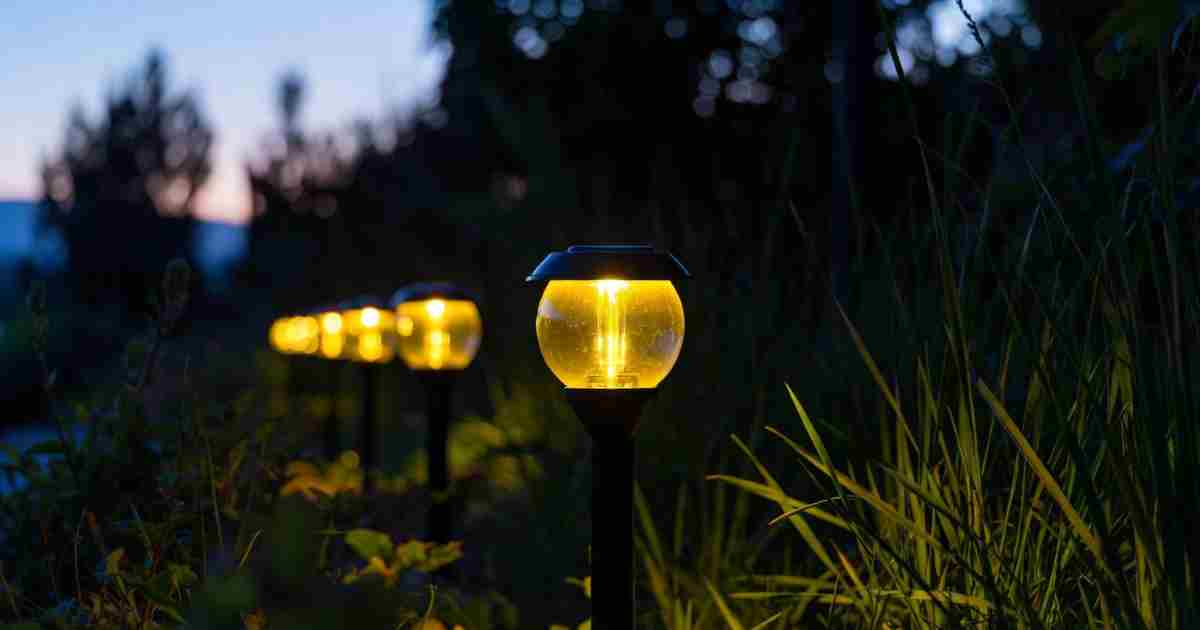
It’s a common problem for outdoor solar lights to start flickering. You might notice them dimming, turning on and off unexpectedly, or just not staying lit. This can be frustrating when you expect them to work reliably.
Check for simple issues like dirt or low batteries before assuming a major fault.
Many people run into this issue, and it often comes down to a few simple things. We’ll go through the common reasons for flickering solar lights so you can get them working brightly again.
The Main Culprits Behind Flickering
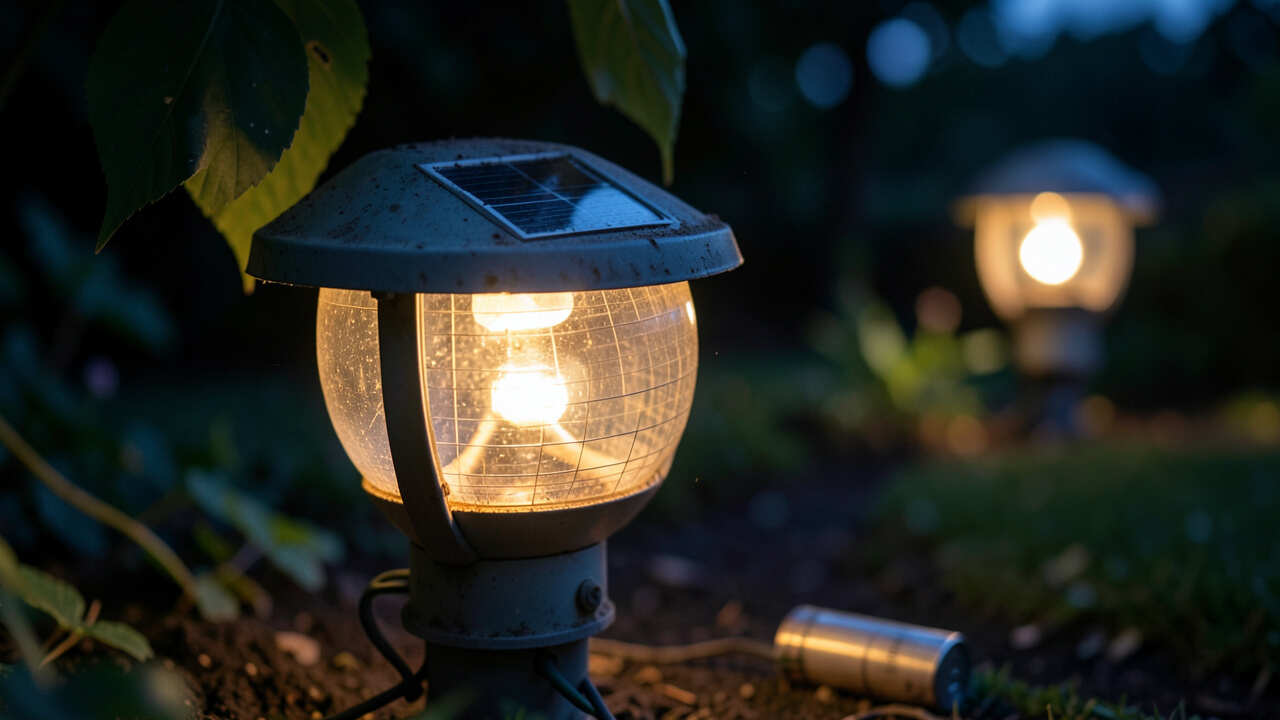
Solar lights rely on sunlight to charge their batteries during the day. Then, they use that stored energy to light up at night. When they start to flicker, it means something isn’t quite right in this process.
A flickering light often indicates an interruption in the energy flow from the battery to the LED.
It could be the battery not getting enough charge, the light sensor having trouble, or even just a bit of dirt blocking the sun. Let’s explore the specific causes.
1. Battery Problems
Weak or Old Batteries
The batteries inside your solar lights are rechargeable. Over time, like all batteries, they lose their ability to hold a full charge. If your solar lights are a few years old, the batteries might be worn out.
When batteries can’t store enough power, they can’t provide a steady light. This often leads to dimming and flickering as the battery drains faster than it can recharge.
A simple cleaning of battery contacts can restore stable performance and eliminate flickering.
Corroded Battery Terminals
Sometimes, the metal parts where the battery connects can get dirty or corroded. This can happen due to moisture. If the connection isn’t clean and solid, the battery can’t send power properly.
This interruption can cause the light to flicker.
What to do:
- Check the battery age: If your lights are old, consider replacing the rechargeable batteries. Most solar lights use standard AA or AAA NiMH (Nickel-Metal Hydride) rechargeable batteries.
- Clean the terminals: Carefully remove the battery. Use a pencil eraser or a cotton swab dipped in a little rubbing alcohol to gently clean the metal contacts on both the battery and inside the light. Make sure everything is dry before putting it back.
2. Issues with the Solar Panel
Dirt and Debris
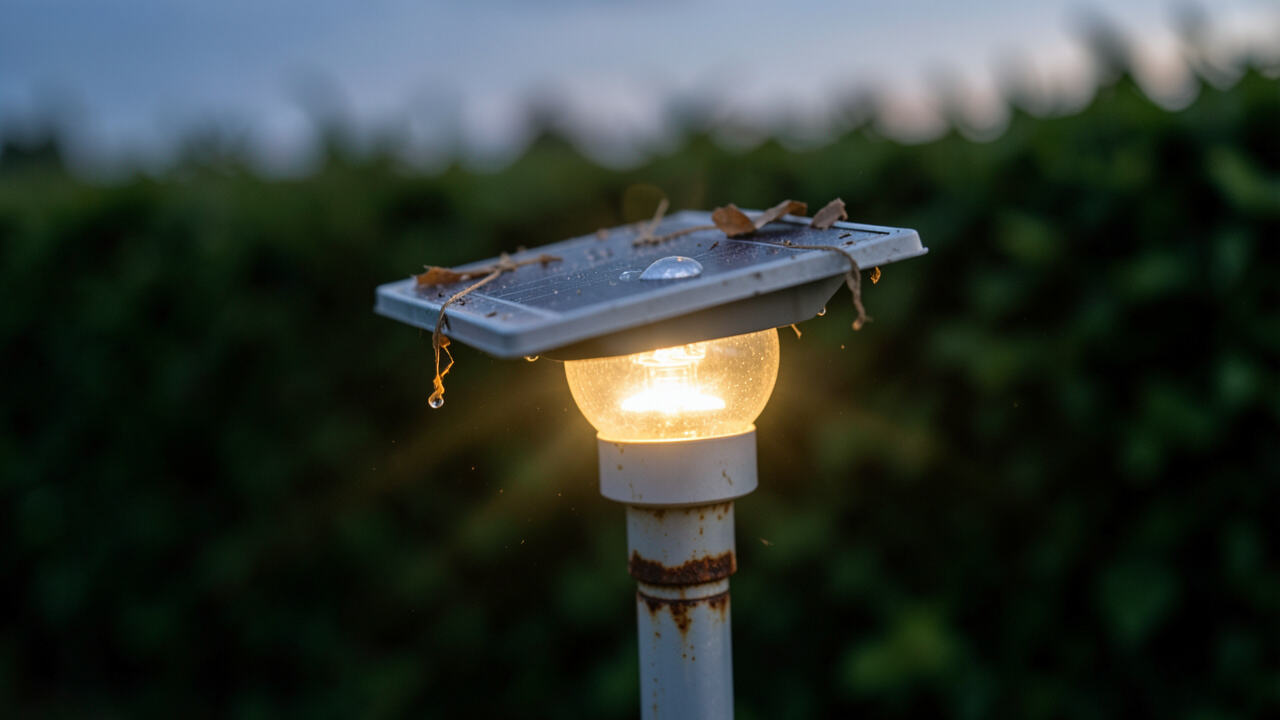
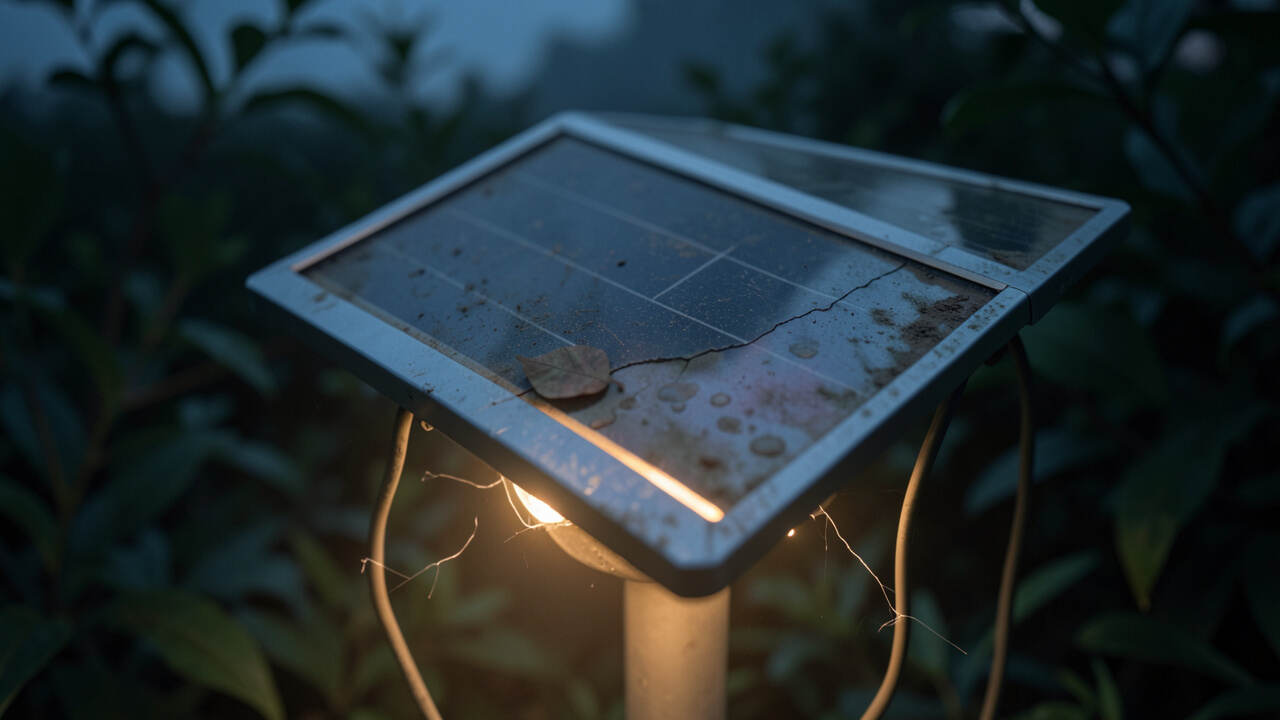
The solar panel on top of your light needs clear access to sunlight to charge the battery. If it’s covered in dust, dirt, leaves, bird droppings, or pollen, it won’t be able to absorb much sun. This means the battery won’t get fully charged, leading to poor performance and flickering at night.
Regularly clean the solar panel with a soft cloth to ensure maximum sunlight absorption.
Scratched or Damaged Panel
A solar panel can get scratched from cleaning it too roughly or from small debris hitting it. Deep scratches can reduce the panel’s efficiency. If the panel is cracked, it’s likely no longer working correctly and will need replacement.
What to do:
- Clean the panel regularly: Use a soft, damp cloth to wipe the solar panel. For tougher dirt, you can use a mild soap and water solution. Rinse and dry it well.
- Inspect for damage: Look closely for any scratches or cracks. If the panel is badly damaged, it might be time to replace the whole light fixture.
3. Light Sensor Problems
Obstructed Light Sensor
Most solar lights have a small sensor that tells them when it’s dark enough to turn on. If this sensor is blocked by dirt, cobwebs, or even a nearby plant that casts a shadow, the light might think it’s dark when it’s not, or vice versa. This can cause erratic behavior, like flickering or turning on and off randomly.
A blocked light sensor can cause erratic flickering; ensure it is free from debris and shadows.
Faulty Light Sensor
Like any electronic component, the light sensor itself can sometimes fail. If it’s faulty, it might send incorrect signals, making the light flicker even when conditions are perfect.
What to do:
- Clean the sensor: Gently wipe the small sensor eye with a dry, soft cloth.
- Check for shadows: Ensure nothing is blocking the sensor during the day. Trim any plants that might be casting a shadow on it.
- Test in different light: If you suspect the sensor is faulty, try covering it with your hand during the day to see if the light turns on. If it doesn’t, the sensor might be the issue.
4. Inadequate Sunlight Exposure
Shading Throughout the Day
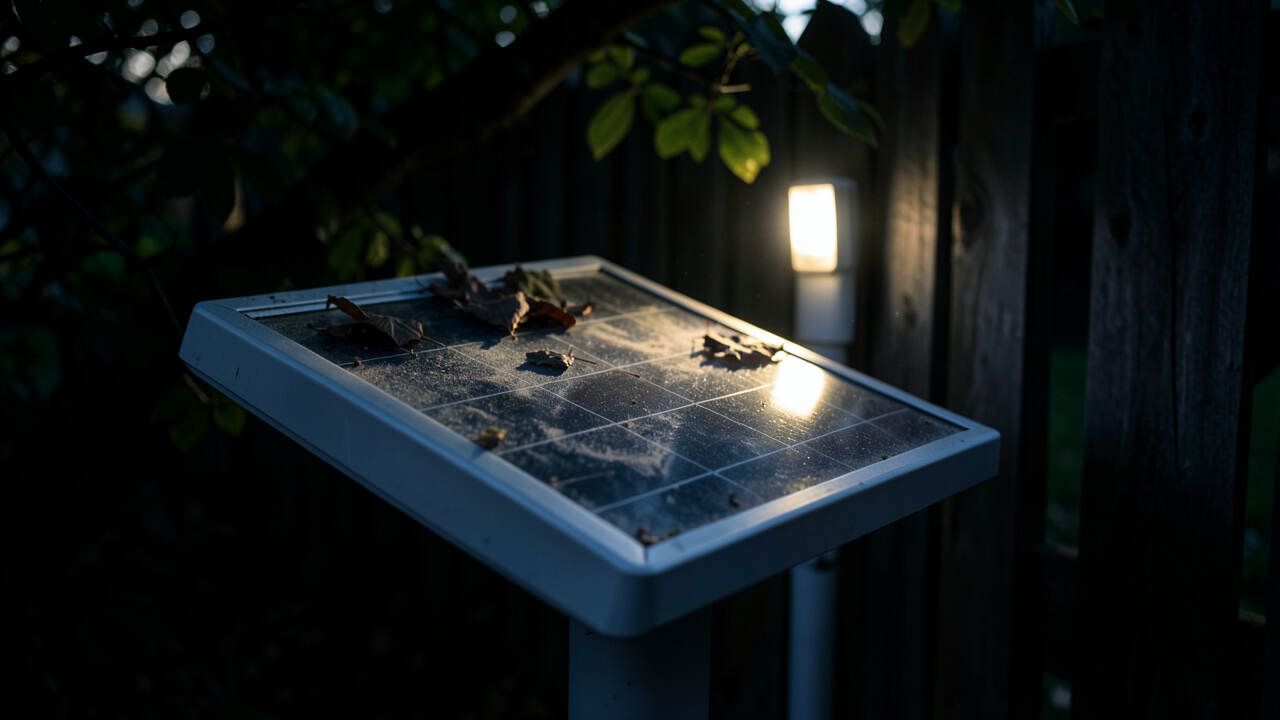
Solar lights need direct sunlight to charge properly. If your lights are placed in an area that gets a lot of shade during the day, even for a few hours, they won’t gather enough energy. Trees, buildings, or fences can cast shadows.
This lack of sufficient charging time means the battery will run out of power quickly, leading to flickering or the light not staying on all night.
For optimal charging, position solar panels to face south in the northern hemisphere and adjust the tilt seasonally.
Incorrect Panel Angle
The angle of the solar panel is important for catching the most sunlight. If the panel is facing the wrong direction or is too flat, it won’t be as effective. In the Northern Hemisphere, solar panels generally work best when tilted slightly towards the south.
In the Southern Hemisphere, they work best tilted towards the north.
What to do:
- Relocate the lights: Find a spot where the solar panel can receive at least 6-8 hours of direct sunlight each day.
- Adjust the panel angle: If your lights have adjustable panels, reposition them to face the sun’s general path throughout the day. Try tilting them to get more direct sun.
5. Weather Conditions
Cloudy or Rainy Days
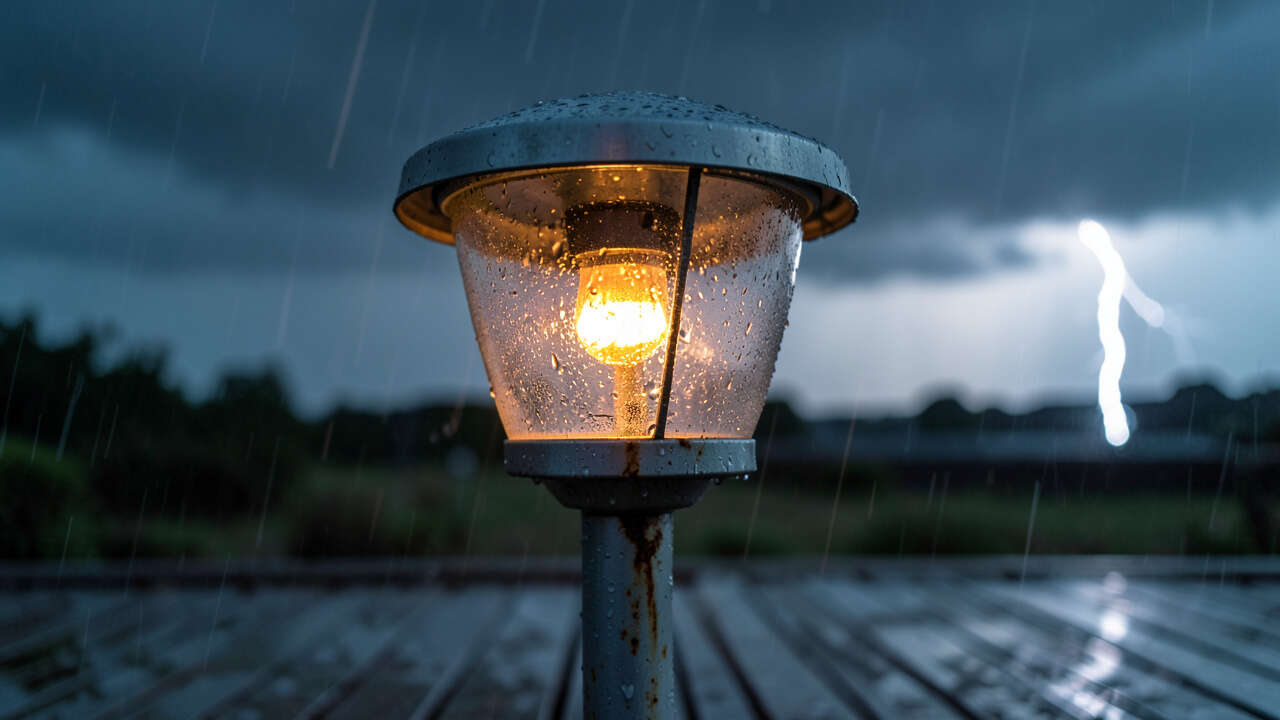
Extended periods of cloudy or rainy weather significantly reduce the amount of sunlight reaching the solar panels. This means the batteries won’t get a chance to recharge. If this happens for several days, the stored energy will be used up, and the lights may flicker or stop working altogether until the sun returns.
Extended cloudy periods can deplete battery reserves, leading to flickering until sunlight returns.
Extreme Temperatures
Very high temperatures can sometimes affect battery performance. While most solar lights are designed for outdoor use, extreme heat can reduce battery efficiency. Very cold temperatures can also impact charging and battery life, though this is often less of an issue for flickering and more for overall performance in winter.
What to do:
- Be patient: After a few cloudy days, the lights should return to normal performance once the sun is back out.
- Check battery type: Ensure you are using rechargeable batteries designed for outdoor temperature fluctuations.
6. Loose Connections
Internal Wiring Issues
Inside the solar light fixture, there are wires connecting the solar panel, battery, and LED bulb. If these connections become loose due to vibrations or age, it can interrupt the flow of electricity. This intermittent connection is a common cause of flickering.
Ensure all internal connections are secure and the battery is firmly seated to prevent intermittent flickering.
Battery Not Seated Properly
Even if the battery is good, if it’s not sitting firmly in its compartment, it can cause flickering. A slight jiggle might make the light work, but it won’t be stable.
What to do:
- Inspect connections: If you’re comfortable, open the light fixture (usually a simple twist or screw mechanism) and gently check if any wires appear loose. Reconnect them if they are.
- Ensure battery fit: Make sure the battery is snug in its holder.
7. The LED Bulb Itself
Failing LED
While LED bulbs are known for their long lifespan, they can eventually fail. A flickering LED bulb is often a sign that it’s nearing the end of its life. This can happen even if the battery and panel are working perfectly.
Compatibility Issues
If you have replaced an LED bulb in a solar light and the new bulb is not designed for solar applications, it might not work correctly. Solar lights often use specific types of LEDs that are optimized for low power and intermittent use.
What to do:
- Replace the LED: If you’ve ruled out other causes, try replacing the LED bulb. Make sure to use a compatible replacement.
- Check bulb type: If you bought a replacement bulb, ensure it’s designed for solar garden lights.
Frequently Asked Questions
Question: How long should solar light batteries last?
Answer: Rechargeable batteries in solar lights typically last between 1 to 3 years, depending on the quality of the battery and how often the light is used. They may need replacing more often if the lights are in areas with less sun.
Question: Can I use regular batteries in my solar lights?
Answer: No, you should not use regular non-rechargeable batteries. Solar lights require rechargeable batteries, usually NiMH or NiCD, that can withstand repeated charging cycles. Regular batteries will not recharge and can leak.
Question: My solar lights flicker even after cleaning the panel. What else could it be?
Answer: If cleaning the panel doesn’t solve the flickering, the issue is likely with the battery (old, worn out, or corroded terminals), the light sensor being blocked or faulty, or loose internal connections within the light fixture.
Question: Do I need to cover my solar lights in winter?
Answer: Generally, no. Solar lights are designed for outdoor use. However, if you live in an area with very heavy snow cover for long periods, the panels will not receive any sunlight, and the lights will not work.
You can uncover them if possible, or simply expect them to be inactive until the snow melts.
Question: How can I tell if my solar panel is damaged?
Answer: Look for visible signs like cracks, deep scratches, or discoloration on the solar panel surface. If the panel looks dull or milky instead of clear, it may also indicate damage or wear that is reducing its effectiveness.
Final Thoughts
Flickering solar lights often have simple explanations. Usually, it’s a battery that’s getting old, a solar panel that needs a good clean, or the lights just not getting enough sun. By checking the batteries, cleaning the panels, and making sure the sensors are clear, you can fix most flickering issues.
Getting your solar lights working well again is easy with these steps. Enjoy your nicely lit outdoor space!